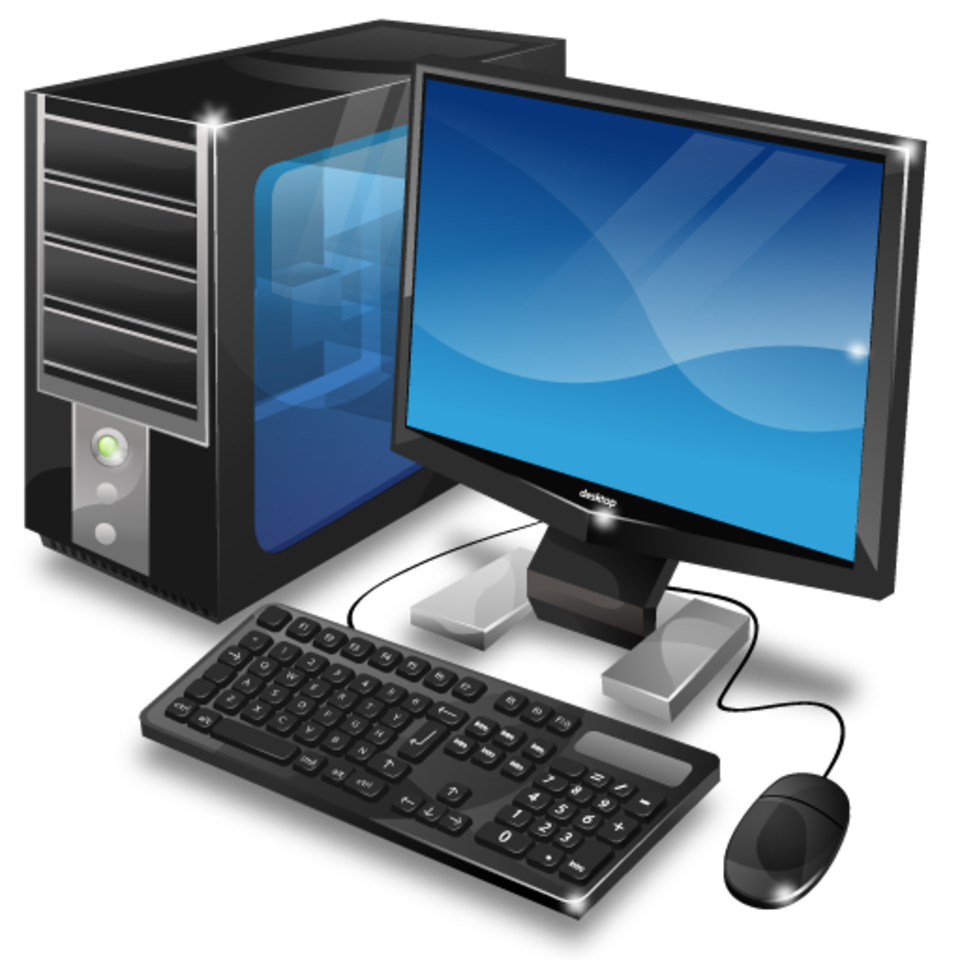
Computer basic Course Outline
Your learning roadmap

1 - Basic
1.1 - Introduction
1.1.1 - What is actually a computer
1.1.2 - Why do we use it?
1.1.3 - Where can we use a computer
1.2 - How to use a computer (not mandatory)
1.2.1 - How to power up and start a computer
1.2.2 - How to use a keyboard and mouse
1.3 - Components of a computer
1.3.1 - Hardware
1.3.2 - Software
1.4 - The operating system (Both windows and Linux)
1.4.1 - Personalization
1.4.2 - Opening files or programs
1.4.3 - Creating and managing folders
1.4.4 - Creating and editing files
1.4.5 - Organizing files and folders
1.4.6 - Creating and editing files
1.4.7 - How to use text editors efficiently
1.4.8 - Microsoft Office basics (Offline)
1.4.8.1 - Microsoft Word
1.4.8.2 - Microsoft Excel
1.4.8.3 - Microsoft Power point
1.4.9 - Google docs basics (Mostly online)
1.4.9.1 - Why use google docs and sheets
1.4.9.2 - Google Docs
1.4.9.3 - Google Sheets
2 - Intermediate
2.1 - System settings
2.2 - CLI (Command line interface)
2.3 - Basic networking
2.3.1 - Trouble shooting
2.4 - Internet and email basics
3 - Advanced
3.1 - Basic computer hardware assembly
3.2 - Understanding boot and installing OSs
3.2.1 - Windows
3.2.2 - Linux
3.3 - Understanding and installing system drivers
3.3.1 - Windows
Back
Class information
For all classes in all branches for this course

Class information will show here as soon as we start registration.

Practice
Make your self at home
Creating and organizing Folders
1. Create folders in this structure
Instruction : Create a parent folder called My books
then create a folder called Math & Physics inside My Books folder
after that create a folder called Calculus inside the folder Math
then create a folder called Laws of physics inside the folder Physics

- My Books
-- Math
--- Calculus
--- Geometry
-- Physics
--- Laws of physics